How to Edit Videos Using CapCut: A Beginner's Guide
In today's digital landscape, video content serves critical roles in marketing and storytelling. CapCut, developed by ByteDance, offers an intuitive interface with professional editing features, making video editing accessible to everyone.
Getting Started
Download CapCut from your device's app store, sign in, and create a new project to begin editing.
Core Editing Steps
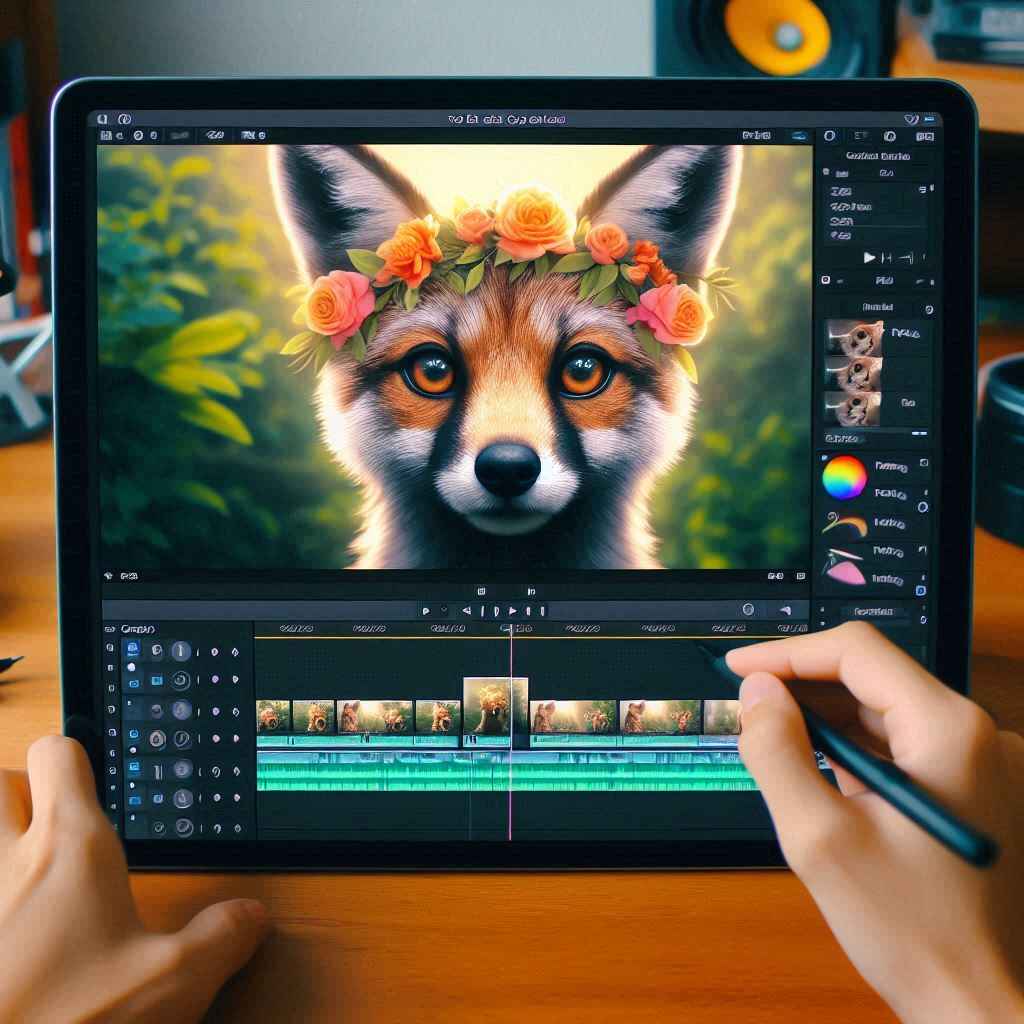
Import and Arrange Clips
Import your video clips into the timeline and arrange them in the desired sequence.
Trim and Split
- Drag the edges of clips to trim unwanted sections
- Use the split tool to divide clips at specific points
Add Transitions
Choose from various transition effects:
- Fade
- Zoom
- Swipe
Apply Effects
Enhance your videos with visual effects for a professional look.
Incorporate Audio
- Add music from CapCut's library
- Import your own audio files
- Adjust volume and timing
Insert Text and Stickers
- Add customizable text with various fonts
- Include animated stickers and graphics
- Time text overlays perfectly
Apply Filters and Color Adjustments
Polish your video with color grading and filters for visual consistency.
Export Your Video
Recommended settings:
- Resolution: 1080p
- Frame rate: 60fps
Who Should Use CapCut?
CapCut is perfect for:
- Content creators
- Business owners
- Social media managers
- Casual editors
The platform provides professional-quality results without complexity, making it ideal for beginners while offering advanced features for experienced users.
Key Benefits
- Free to use
- Intuitive interface
- Professional features
- Cross-platform compatibility
- No watermark on exports
- Regular updates with new features
Whether you're creating content for TikTok, Instagram, YouTube, or professional presentations, CapCut provides the tools you need to bring your vision to life.