Background Image Effects using PyTorch
Introduction
The pandemic halted travel plans for many. Rather than dwelling on memories through photos, modern technology enables immersive virtual experiences. AI-powered mobile applications allow users to virtually relocate themselves to any global destination.
Core Concept: Virtual Teleportation
Users can take selfies and instantaneously transport themselves to iconic locations—the Taj Mahal, Eiffel Tower, Golden Gate Bridge—whether solo or in group photos with loved ones.
Featured Capabilities
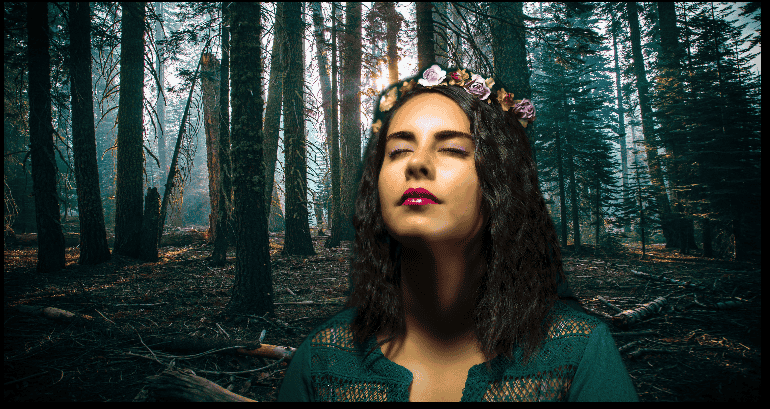
Change Background: Replace your photo's backdrop with preferred destinations or landscapes.
Remove Background: Eliminate backgrounds for ID photos or similar purposes.
Blur Background: Create professional-quality images mimicking DSLR photography effects.
Grayscale Background: Apply black-and-white effects exclusively to backgrounds while preserving foreground color.
Technology Stack
- Framework: React Native
- ML Frameworks: PyTorch, TorchVision
- Supporting Technologies: Python, Flask, OpenCV
Conclusion
Technology bridges travel limitations, enabling users to relive cherished vacation moments and forge new adventures through innovative photo manipulation capabilities.